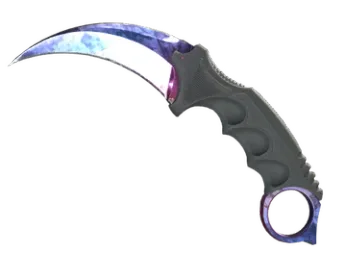
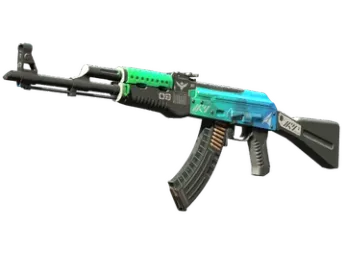
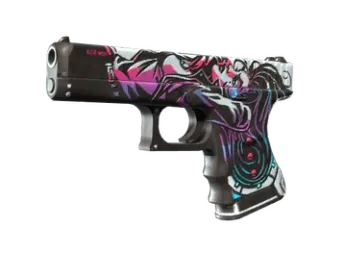
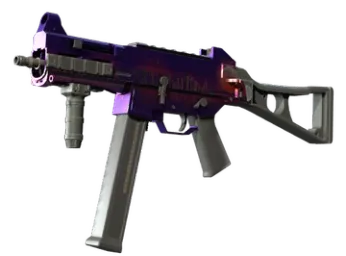
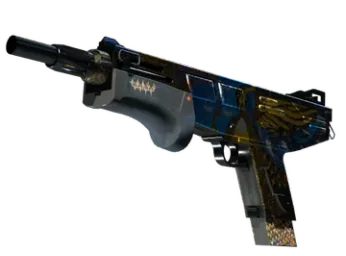
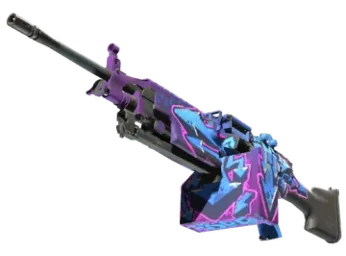
FN 0.036
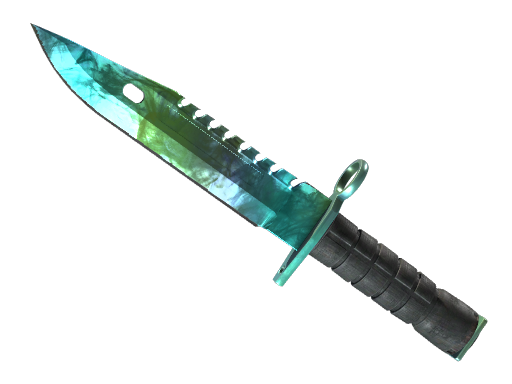
FN | ★ M9 Bayonet
Gamma DopplerPhase 1
€995.16


Every listing shows float, pattern, phase and stickers before you commit. Pay for the one item you chose, then accept it in Steam as a trade offer.
Our trade bot sends every skin you buy to this link. Save it once and it stays in your profile.
A Steam account and a saved Steam trade link. Sign-in happens on the official Steam page, so your Steam password is never shared with Skinairo. The trade link is the address our trade bot uses to send you what you buy.
Trades run on Steam, which means Steam's rules and trade protection apply. The details are in the Steam policy. Skinairo can't change them.
Skinairo is built for buying. Browse by category, open a listing to check its float, pattern, phase and stickers, and press "Buy" once it's the right one.
There's no wallet to fund, no deposit and no subscription. You pay for the item you picked, when you pick it.
Sign in with Steam, save your trade link and open the market. Choose a skin, press "Buy" and review the order summary. Then you move to the secure payment page and pay by card.
Once the payment clears, our trade bot sends a Steam trade offer. Accept it within about 15 minutes and the skin is yours.
Visa and Mastercard are accepted. Payment happens on a hosted page run by an authorized third-party payment provider, with 3D Secure verification, and Skinairo acts as merchant of record.
You enter your card number on the provider's page, not ours. Each payment covers exactly one item.
Delivery uses Steam's own trading system. The bot sends an offer to the trade link in your profile, and you accept it in the Steam app or in a browser.
Keep your trade link up to date and make sure your account can trade. If a paid skin can't be delivered, for example because the offer expired or the item is no longer available, write to support@skinairo.com. Support takes over the case, and refunds go back to your original payment method.
Two skins with the same name can look nothing alike. Float controls how worn the finish is, and lower means cleaner. Pattern decides where the paint lands, which makes a big difference on some knives and rifles.
Stickers, StatTrak™ counters and souvenir tags change both the look and the value. They're all on the listing, so check them before you buy.
The market covers tradable Counter-Strike 2 items: knives, gloves, rifles, pistols, SMGs, shotguns, machine guns and agents. Filter by type, quality, rarity, phase, stickers and price to get to the right one faster.
Stolen items, items from compromised accounts and items under an ownership dispute aren't allowed.
You sign in through Steam, every page is encrypted, and card payments go through a hosted page with 3D Secure. Neither your Steam password nor your card number passes through Skinairo.
You see the full order summary before paying, and nothing reaches your inventory until you accept the trade offer yourself. Keep Steam Guard switched on for your account too.
The Steam Market only accepts Steam Wallet funds, which you need to add to your account first. On Skinairo you pay for the specific skin by card at checkout.
You also get a CS2-only market with float and pattern up front, a clear summary before payment and delivery straight to your inventory as a trade offer.
Sign in with Steam, add your trade link, choose a skin, pay by card and accept the offer. Same five steps, every time.
A budget rifle finish or the knife you've been eyeing for months: open the market and find it.